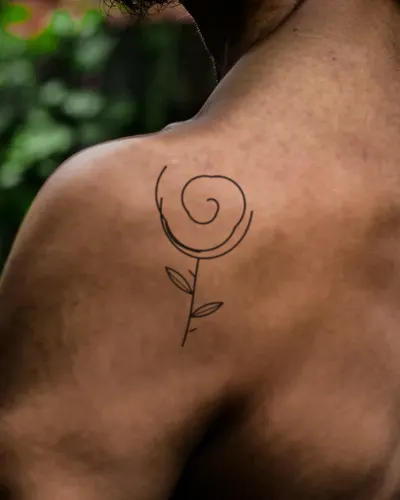
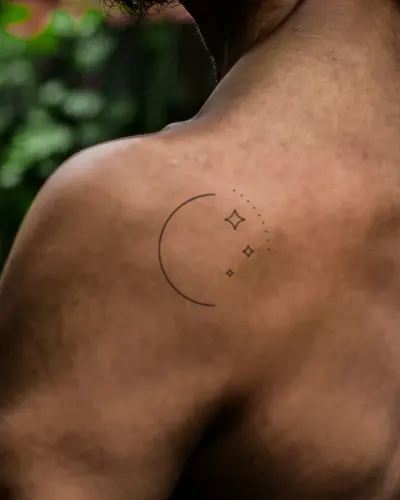
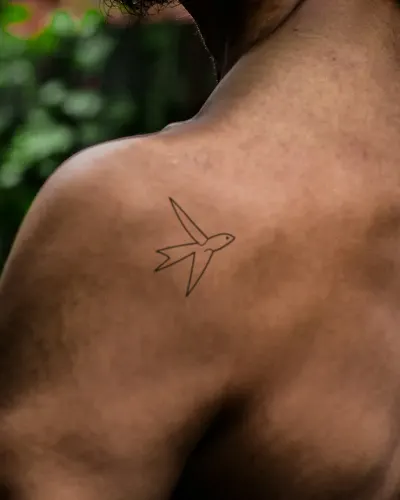
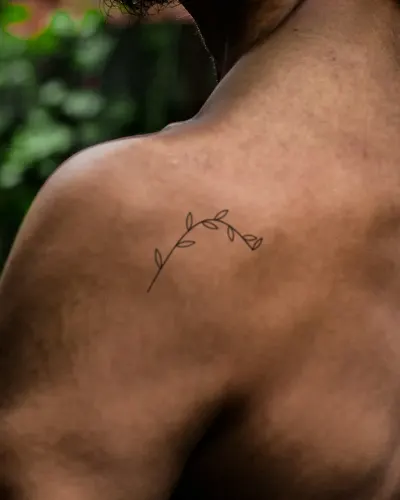
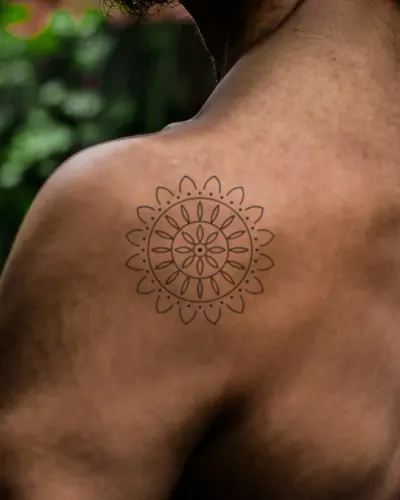
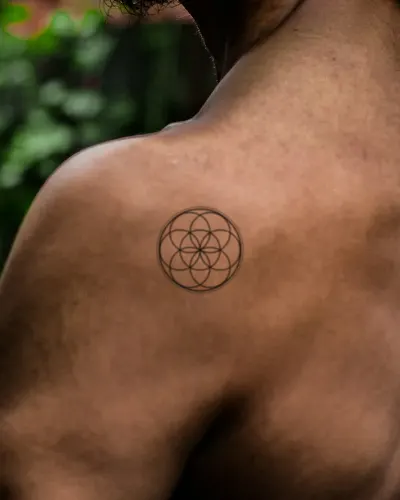
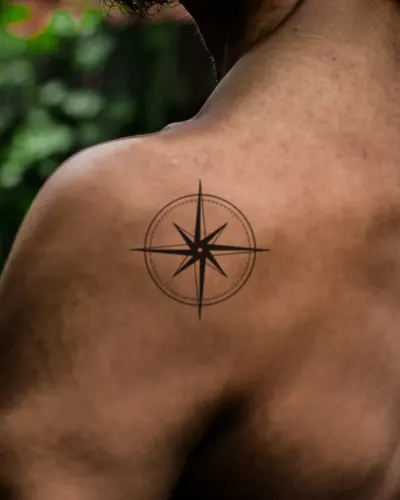
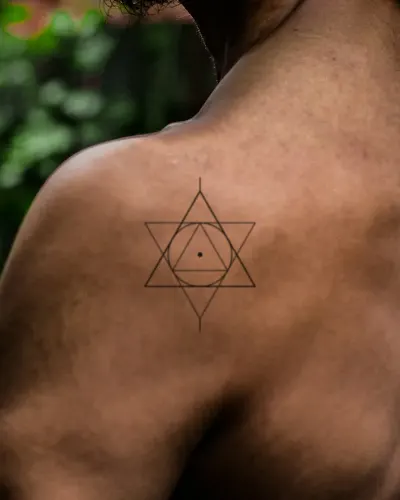
The shoulder cap and the blade
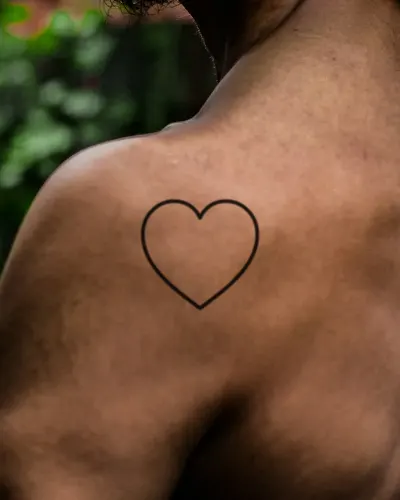
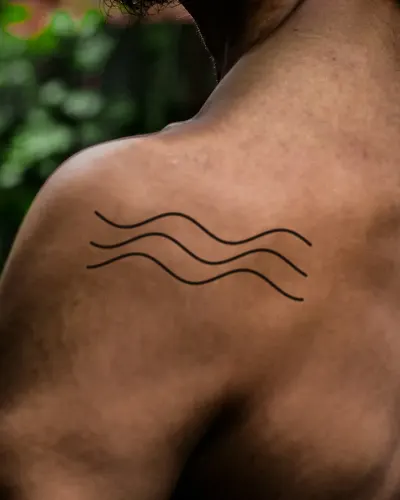
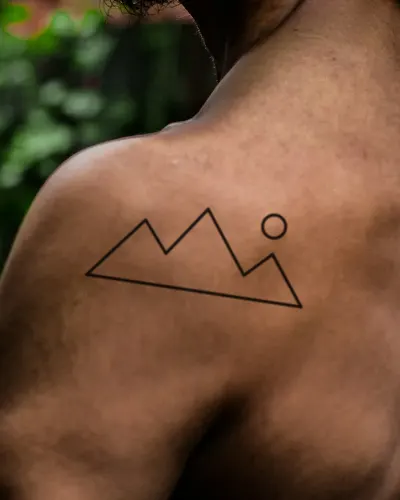
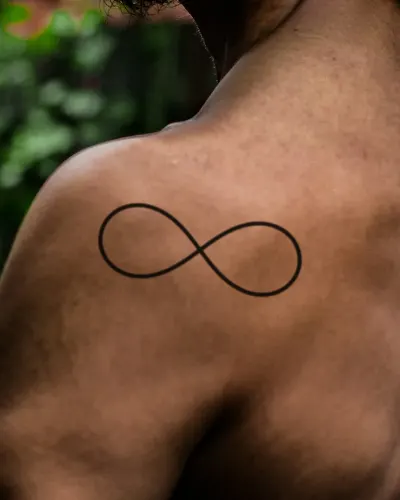
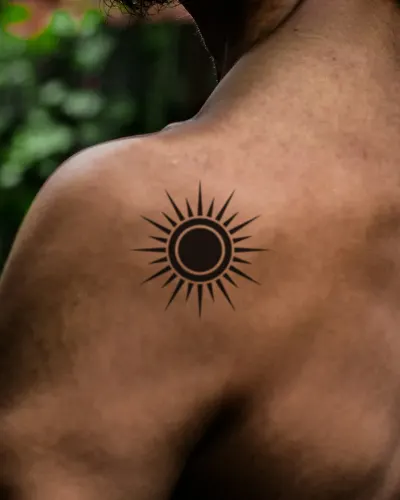
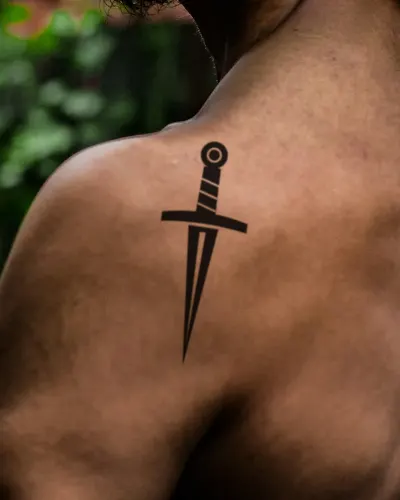
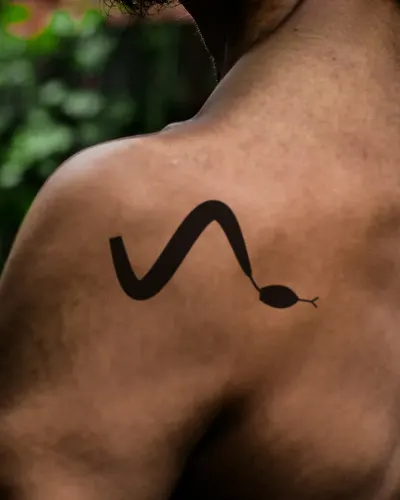
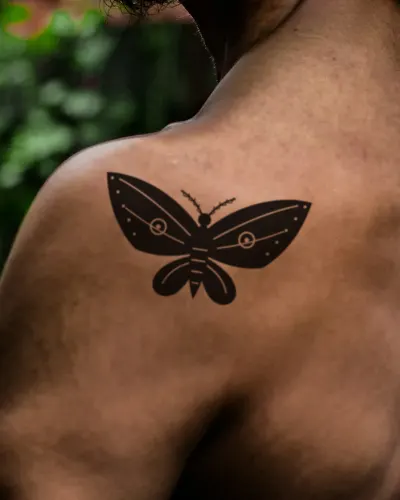
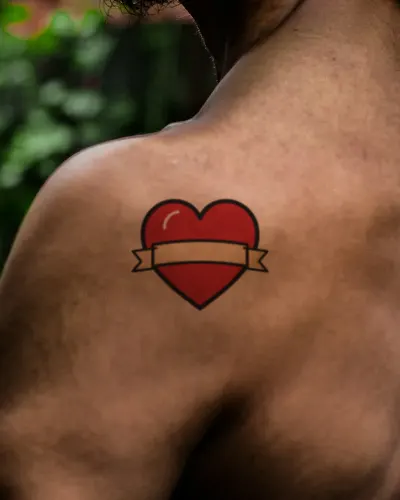
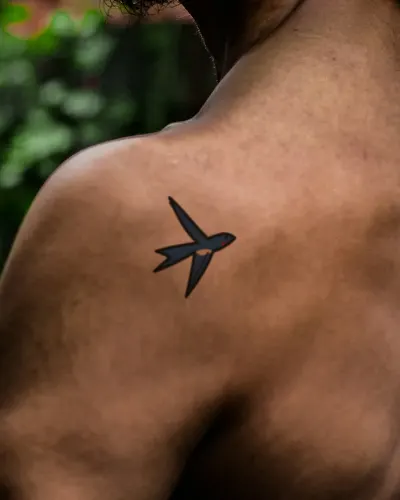
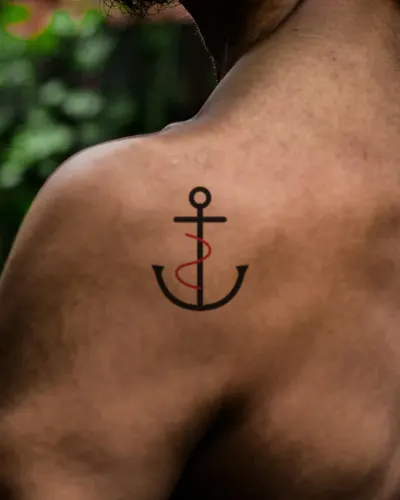
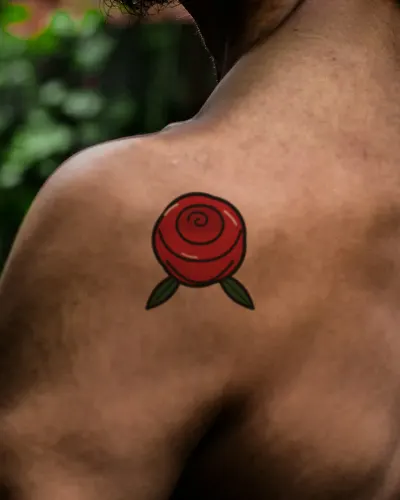
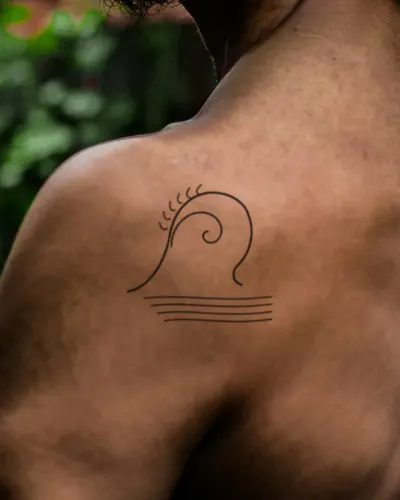
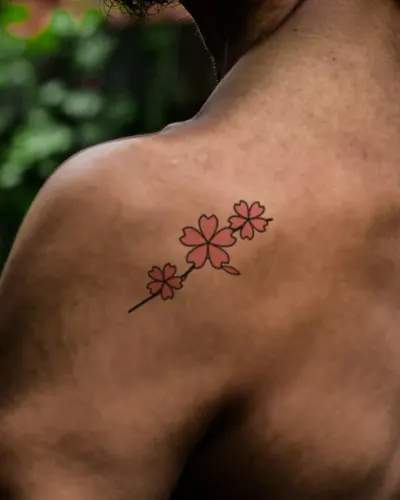
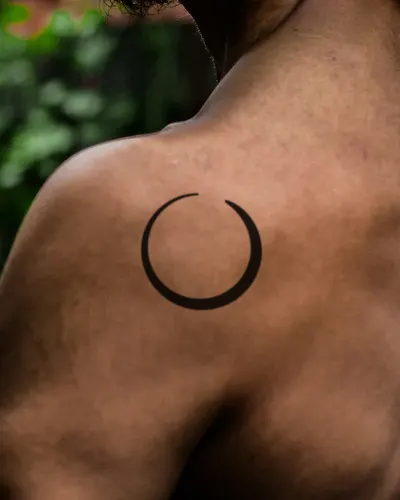
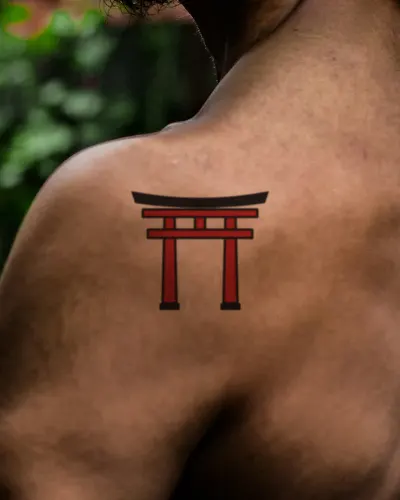
The shoulder cap is curved, so round designs such as mandalas, roses and suns sit well on it and can grow later into the upper arm or the chest. The shoulder blade is flatter and gives a larger area that clothing usually covers.
The skin here is fairly firm and out of the sun most of the year, so it is one of the better places for detailed or fine work.
Fitting it in the editor
You will need someone else to take the photo, or a mirror. If the design comes out reversed in a mirror shot, press Flip. On the shoulder cap, add a little Wrap or bend the edges with Free warp; on the blade, Flat usually looks right.