Building a sleeve
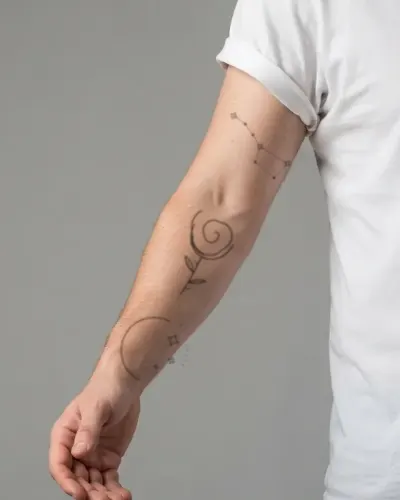
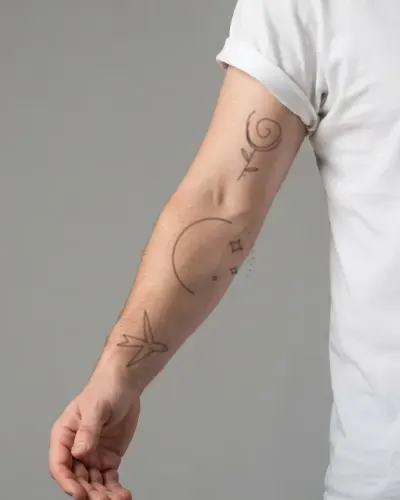
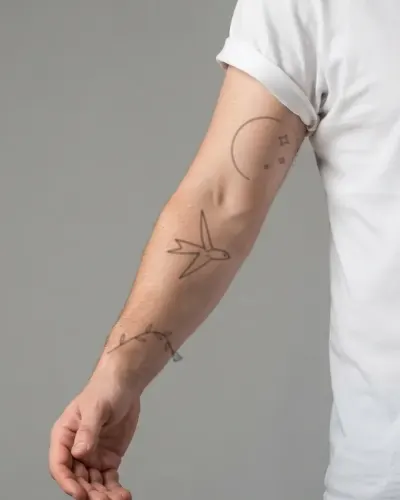
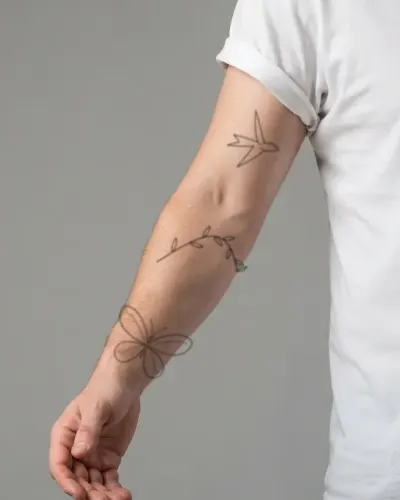
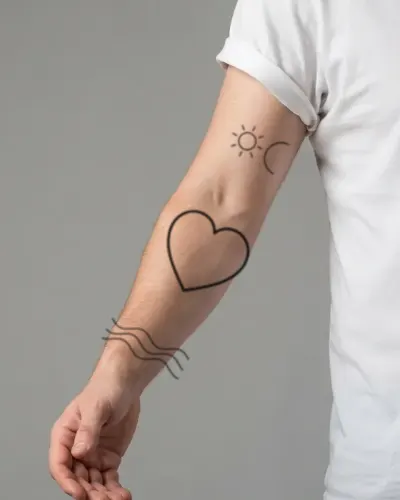
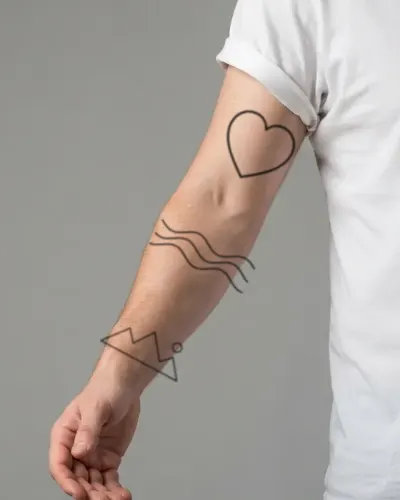
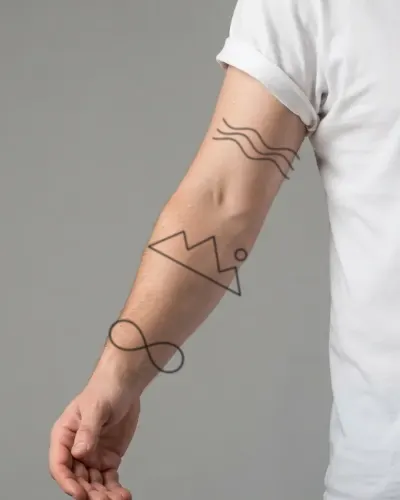
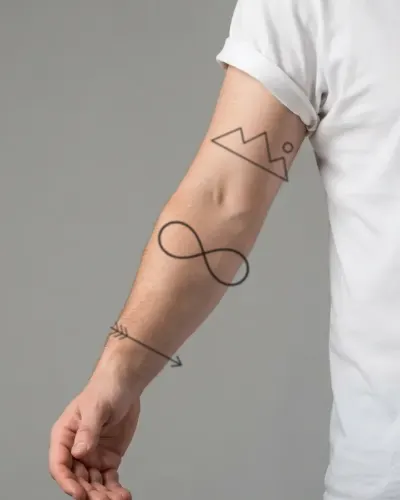
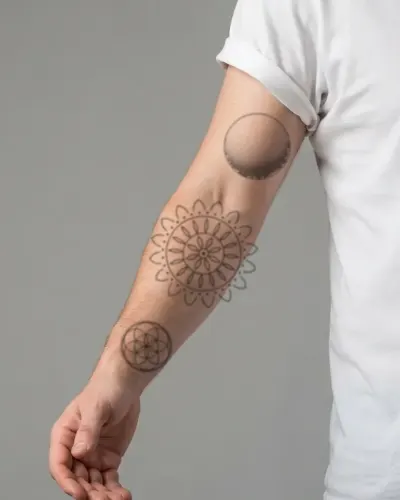
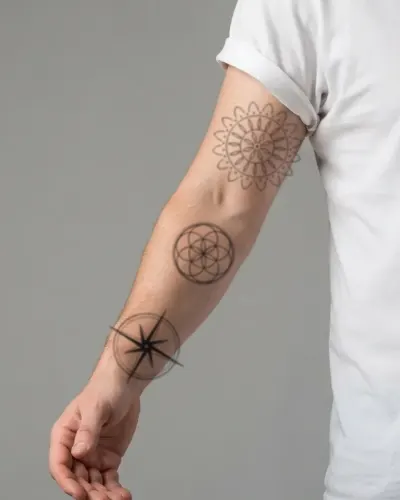
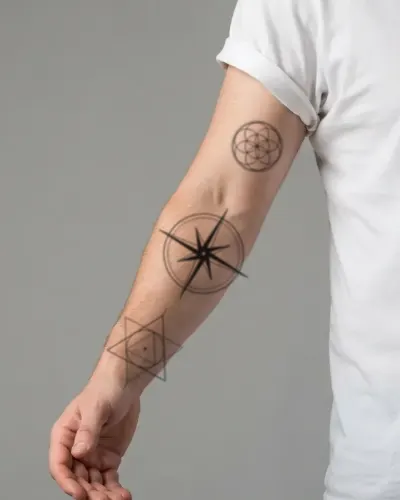
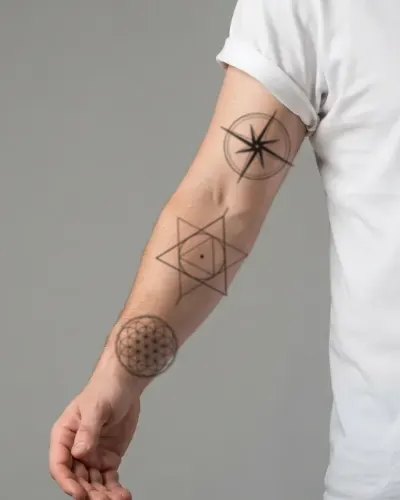
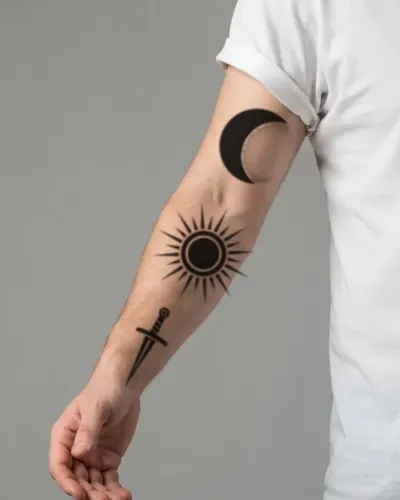
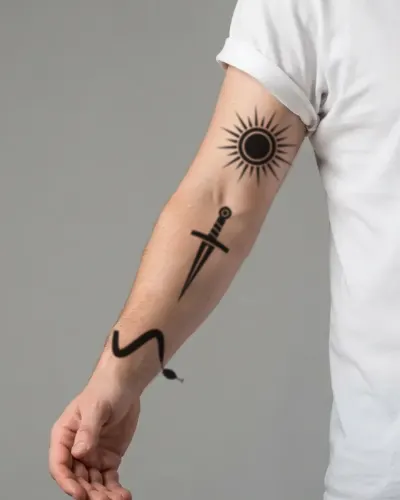
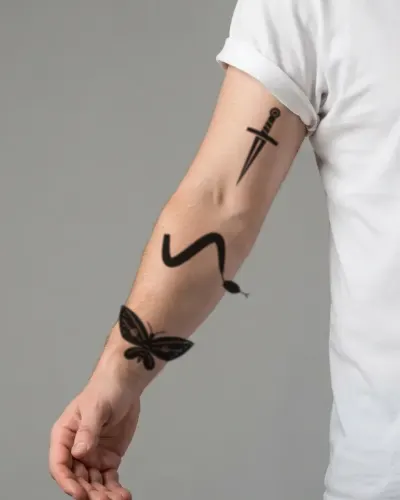
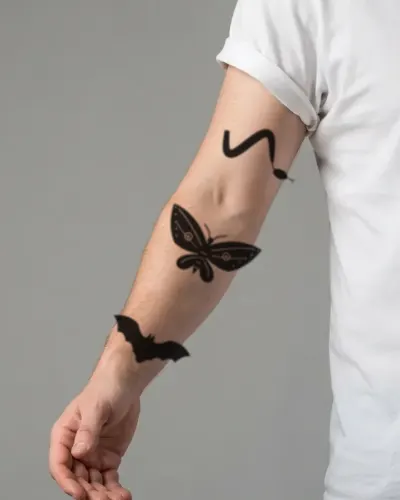
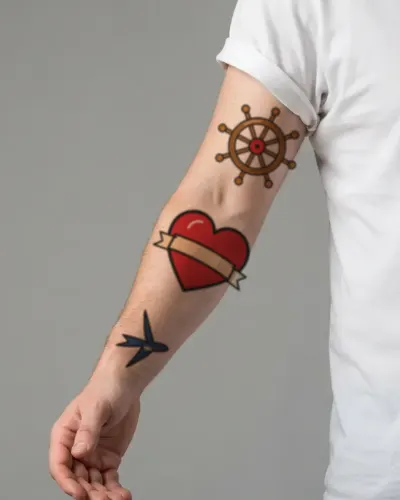
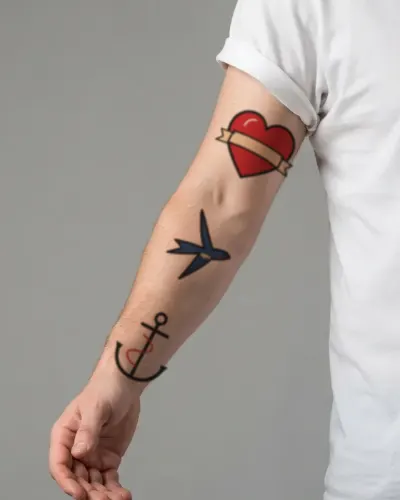
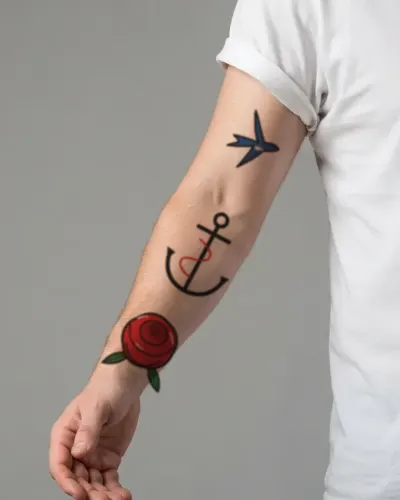
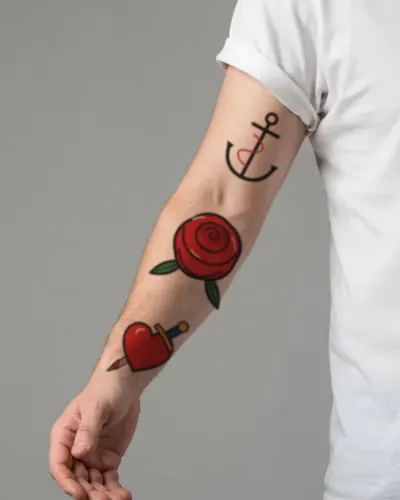
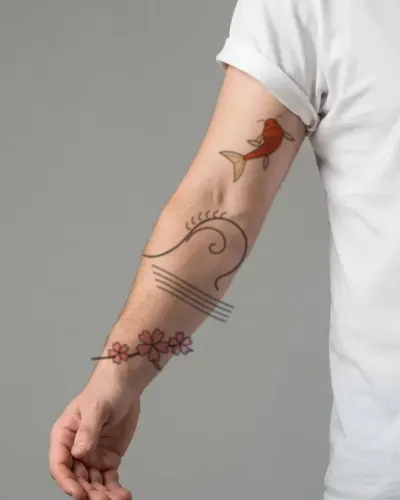
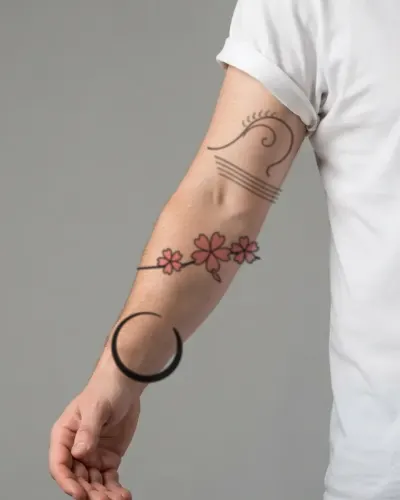
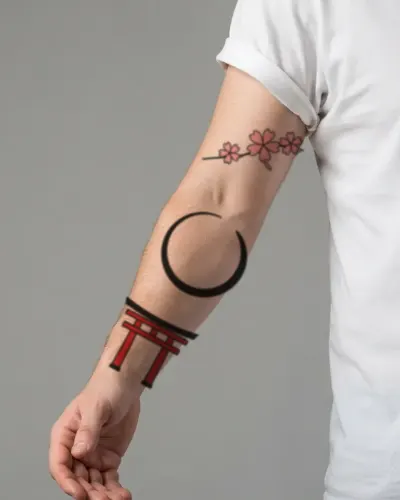
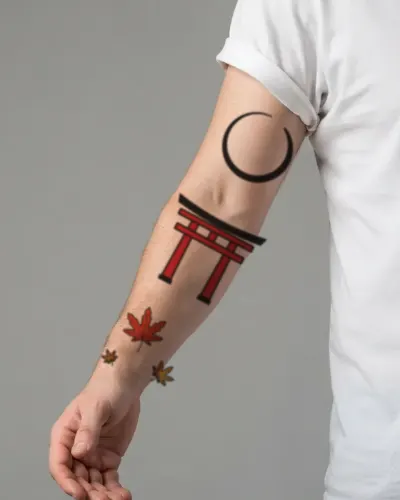
Most sleeves are built in stages: one strong piece, usually on the upper arm or outer forearm, then others added around it until the gaps are filled. Sticking to one style, or one ink color, keeps the pieces from fighting each other.
A half sleeve covers the upper arm or the forearm; a full sleeve runs from the shoulder to the wrist. Plan where the elbow falls: designs across the inside of the elbow bend every time you move.
Planning it in the editor
Add up to five designs to one photo and arrange them down the arm. Layers lets you reorder, hide and duplicate them, and Wrap on each one keeps it curving with the arm. Download a few versions and compare them side by side.