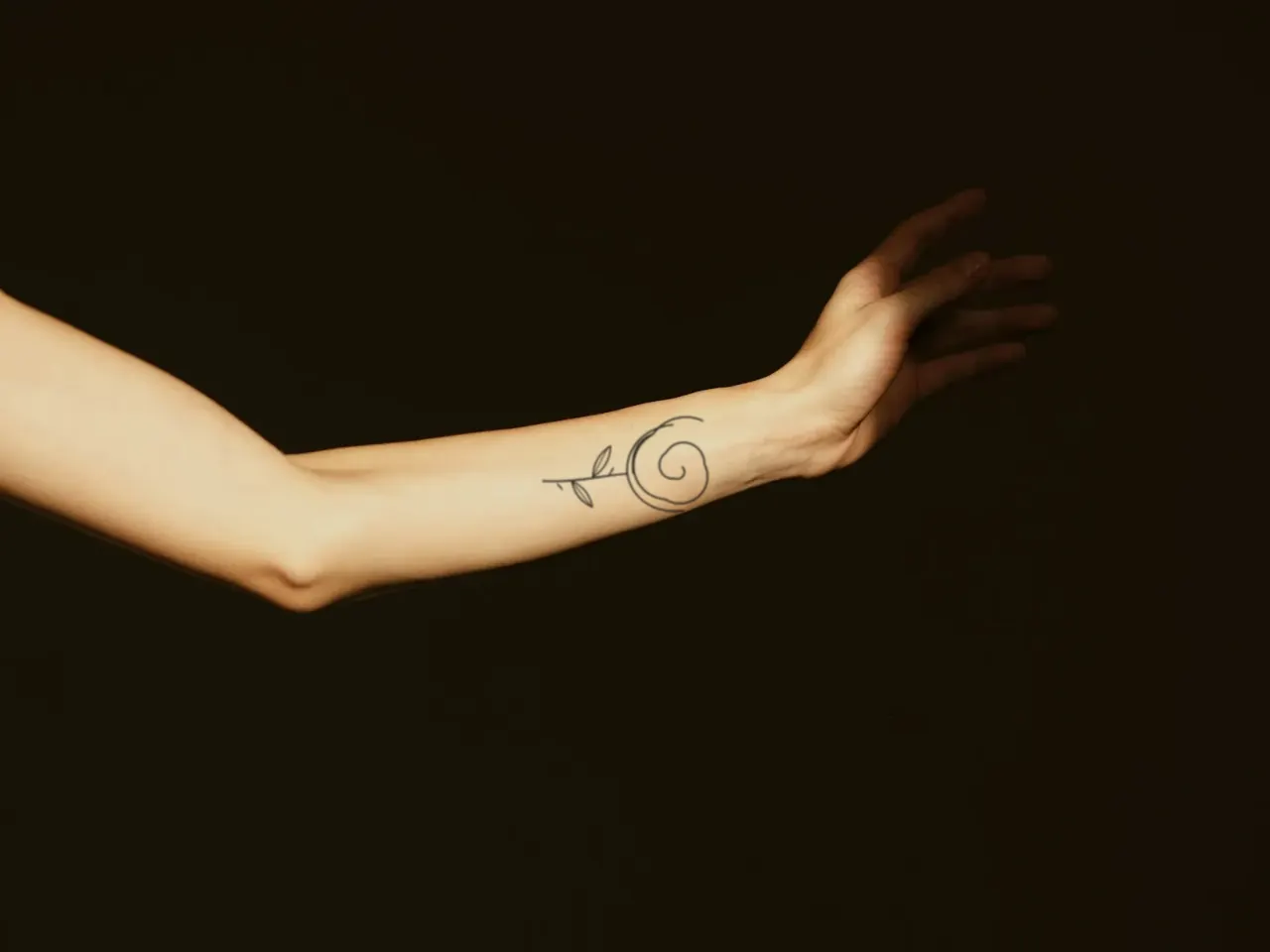
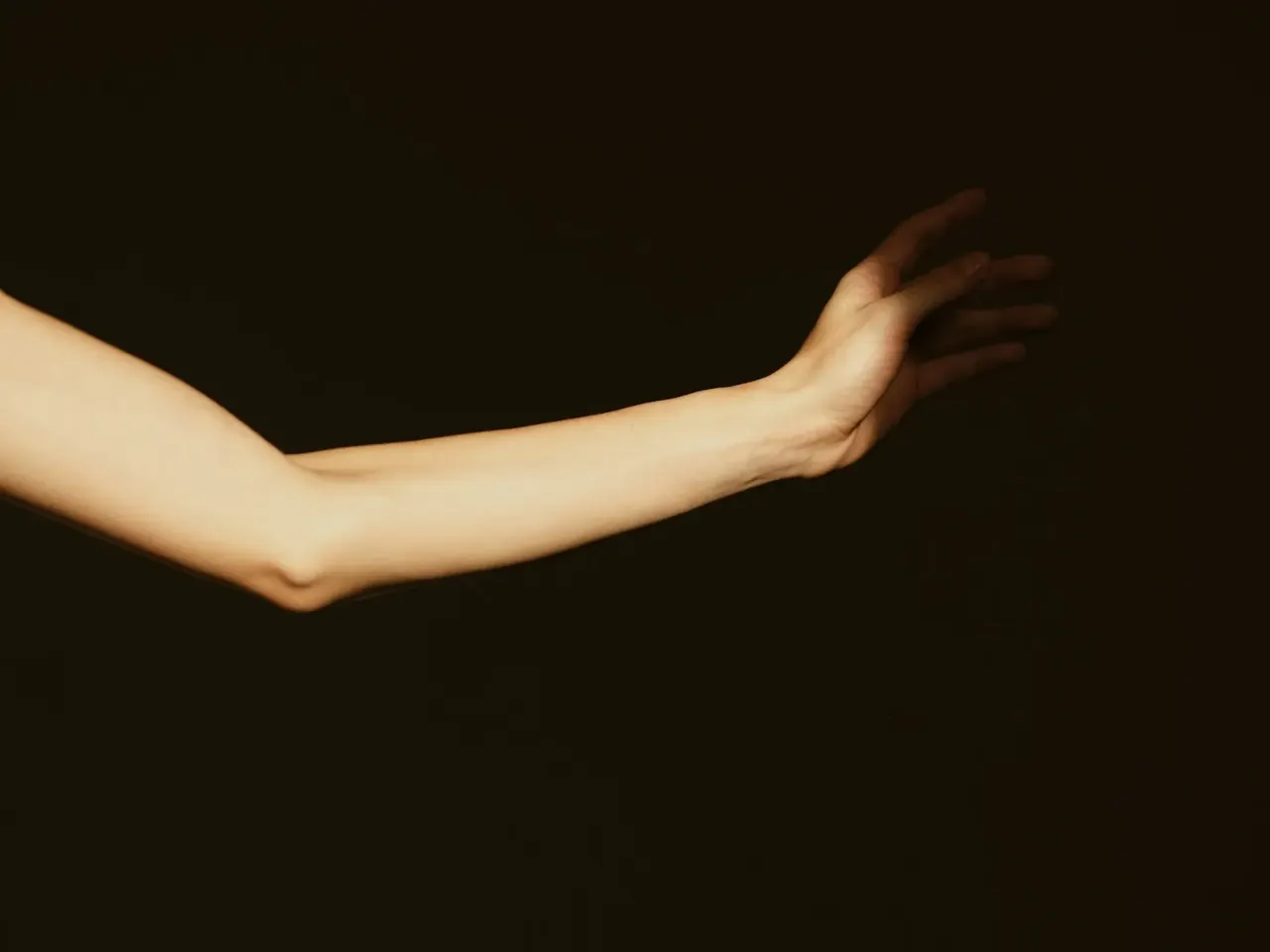
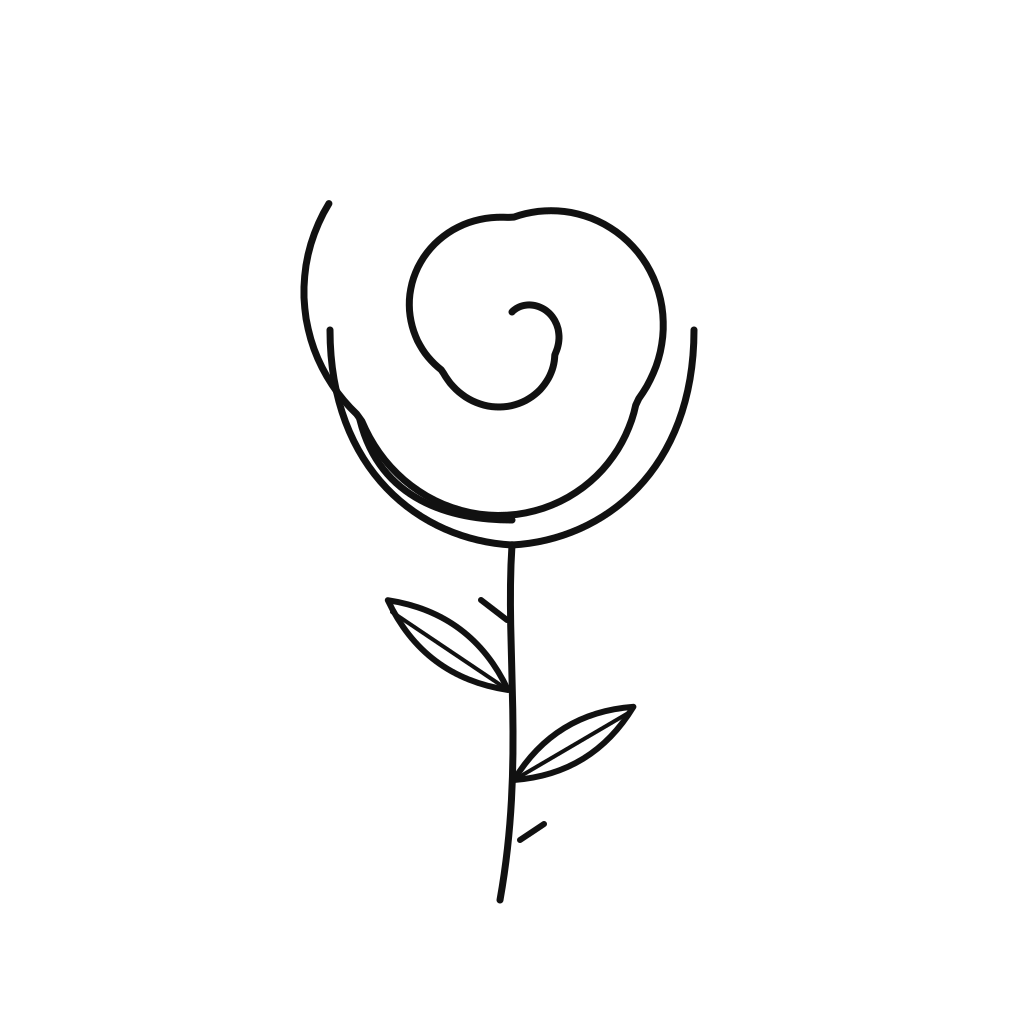
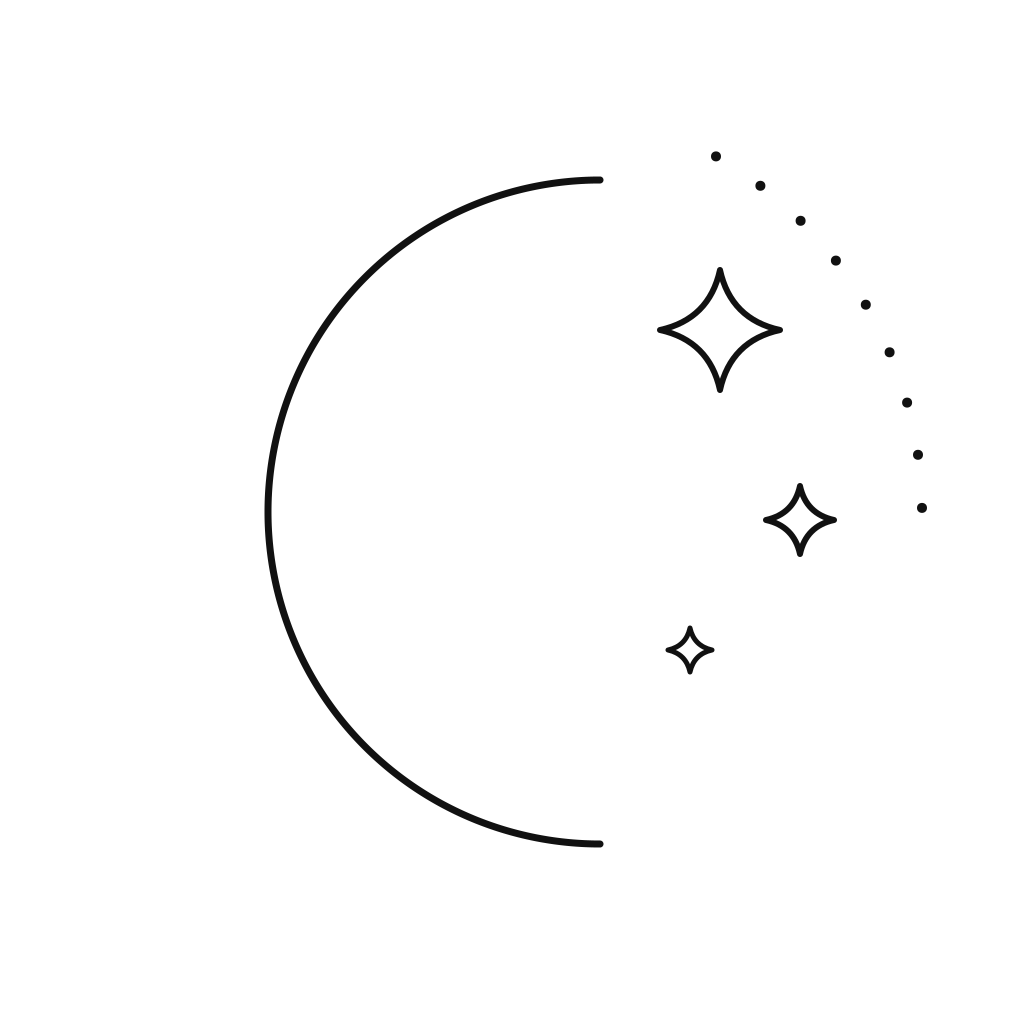

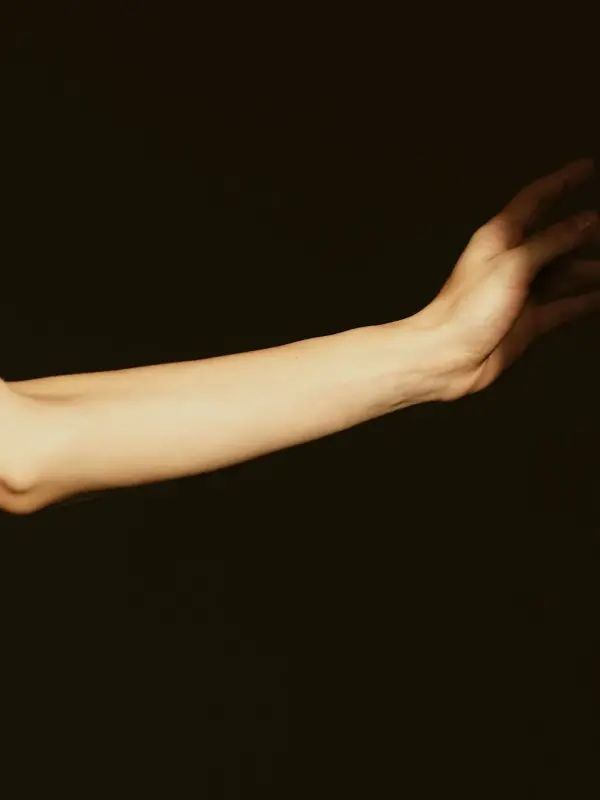
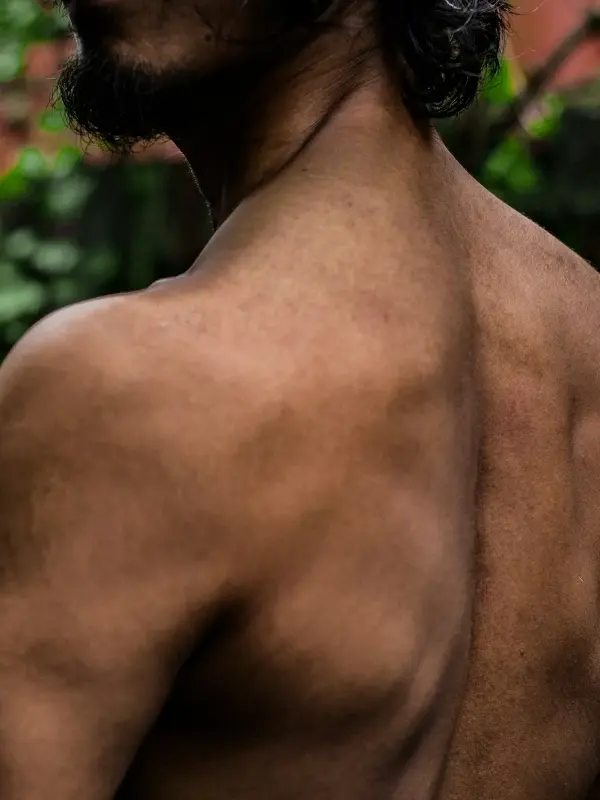
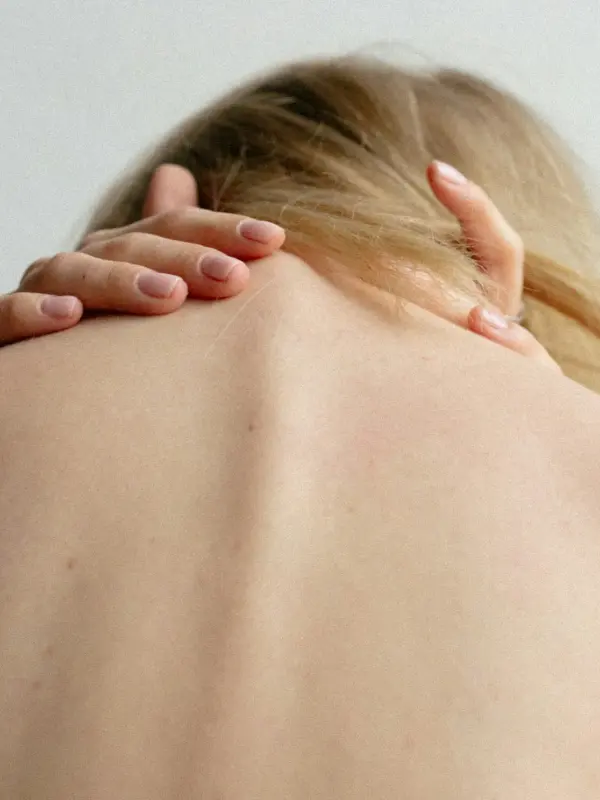
This virtual tattoo simulator places a design on your own photo and blends it into the skin, so you can judge size, placement and style before you book. Everything happens in your browser. The preview downloads as a PNG or JPG at your photo's size, up to 2048 pixels on the long side, with a small watermark in the corner.
How to try on a tattoo
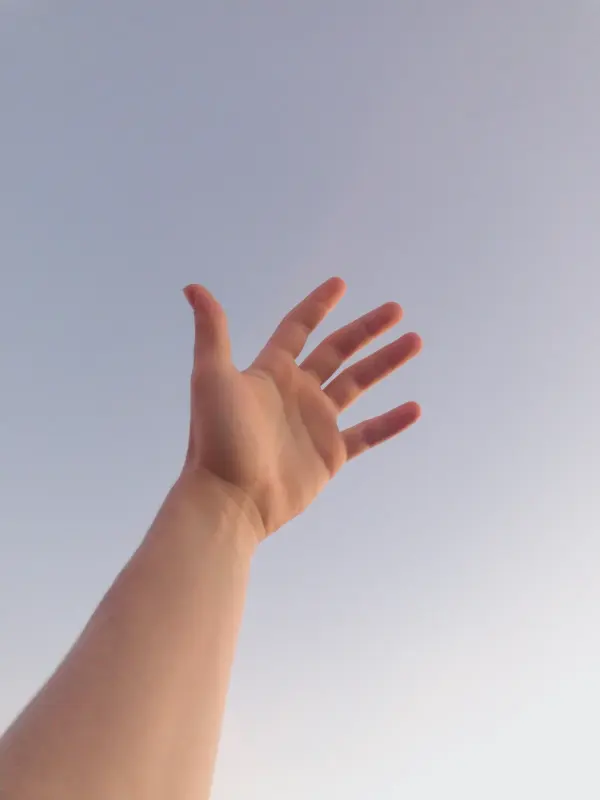
- Add a photo. Upload a clear, well-lit photo of the body part, take one with your phone, or start with a sample.
- Pick a design. Choose from the library (fine line, minimalist, geometric, blackwork, traditional, Japanese and lettering), upload your own artwork, or type text in a tattoo font.
- Place it. Drag to move. Drag the corner handle to resize and rotate, or pinch with two fingers. A second design lands beside the first, ready to arrange.
- Fit it to your body. Use Wrap for arms, legs and wrists, or Free warp to bend the design over muscle and joints. Erase hides it behind hair, fingers or clothing.
- Download. Press Download and choose PNG or JPG.
Make it look like real ink
- Skin texture puts the photo's own highlights back on top of the ink. Raise it on shiny or textured skin.
- Ink bleed softens lines the way healed ink spreads slightly under the skin.
- Fade shows how the tattoo might look in ten years: lower contrast, softer edges, a slight blue-gray shift.
- Ink switches between the design's own colors, black, or a single color of your choice.
Tips for a better preview
- Shoot in daylight, straight on, with the body part filling most of the frame.
- Keep the arm or leg relaxed in the pose you would normally hold it in.
- Try the design at two or three sizes. Fine detail that looks good at palm size can blur at coin size.
Common problems
- My own design has a white box around it. Some paper isn't white enough to be removed. Select the design, open Adjust and check that Remove white background is on, then lower Cut-off until the paper disappears.
- It looks flat on my arm. Choose Wrap in Adjust and raise Wrap strength until the edges curve away with your arm.
- Hair or fingers are under the tattoo. Use Erase and paint over them, then Restore anything you took away by mistake.
- There's text in the corner of my download. Every preview carries the site address, small and semi-transparent, in the bottom-right corner. Move the design away from that corner if they overlap.